
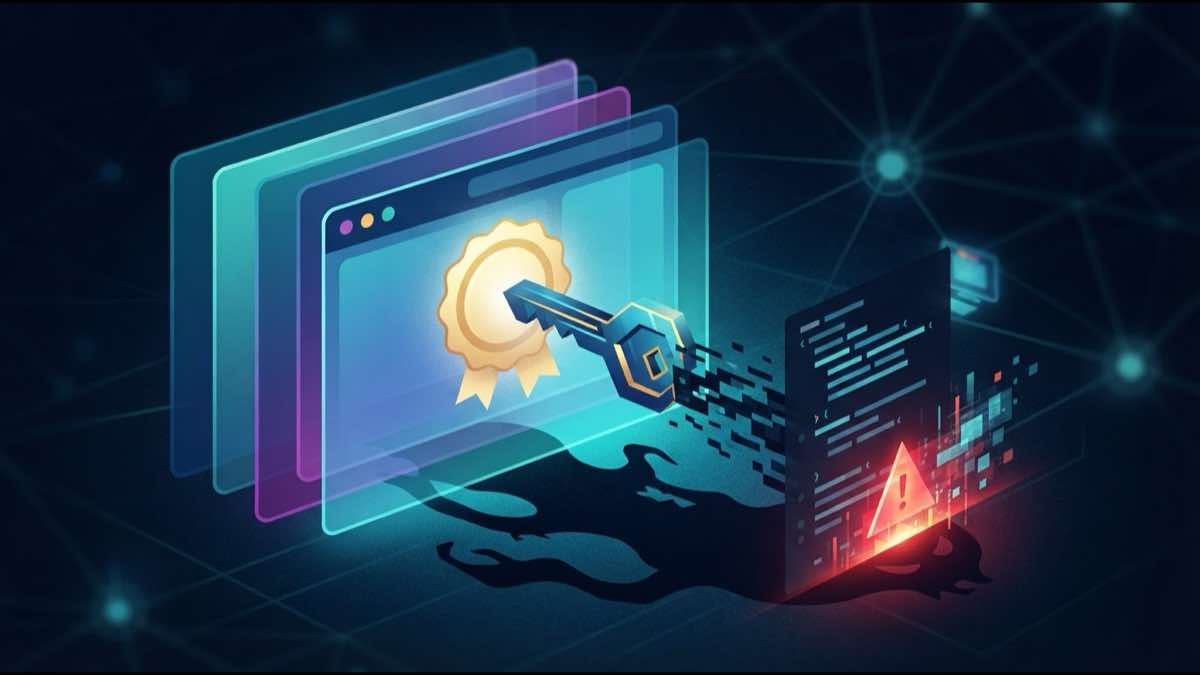
DigiCert Breached via Screensaver, Certs Signed Malware
Attackers breached DigiCert's support portal with a disguised .scr file, stole EV code signing certs, and signed Zhong Stealer malware. Here's what happened.
A threat actor armed with nothing more than a ZIP file and persistence breached DigiCert’s customer support portal in April, stole EV code signing certificates issued under the names of companies like Lenovo and Kingston, and used them to sign malware. The fallout didn’t stop there — Microsoft Defender then mistakenly flagged legitimate DigiCert root certificates as trojans, causing chaos for Windows administrators worldwide.
The uncomfortable part is how ordinary the entry point was. A support workflow, a file attachment, one compromised workstation — and suddenly the code-signing trust model was the problem.
How the Breach Happened
On April 2, 2026, an attacker contacted DigiCert’s support team through a Salesforce-based chat channel and repeatedly sent a malicious ZIP file disguised as a customer screenshot. Inside the archive was a .scr file — a Windows screensaver executable that the operating system treats as a native binary. CrowdStrike and other endpoint defenses blocked four consecutive delivery attempts, but the fifth succeeded, compromising a support analyst’s workstation.
From that foothold, the attacker pivoted to DigiCert’s internal support portal. Authenticated support analysts have a proxy function that lets them access specific customer account features, including initialization codes for pending code signing certificate orders. The attacker exploited this access to obtain EV Code Signing certificates — the highest-trust tier of code signing, designed to give software publishers a verified identity that Windows SmartScreen and other gating mechanisms rely on.
Certificates Weaponized for Zhong Stealer
The stolen certificates were used to sign Zhong Stealer, an infostealer linked to Chinese e-crime activity and cryptocurrency theft. Zhong Stealer harvests stored browser credentials, cryptocurrency wallet data, and authentication session cookies from infected machines. By signing the malware with legitimate EV certificates from well-known technology companies, the attackers bypassed the trust signals that users and security tools depend on to distinguish safe software from malicious payloads.
Security researchers have linked the Zhong Stealer campaign to GoldenEyeDog (APT-Q-27), a known Chinese e-crime group, though it remains unclear whether this group directly orchestrated the DigiCert breach itself or acquired the certificates through other channels.
DigiCert’s Response
Between April 14 and April 17, DigiCert revoked 60 EV Code Signing certificates issued from four Certificate Authorities. Of those, 27 were directly linked to the attacker’s activity — 11 were flagged by community members who spotted them signing malware in the wild, and DigiCert’s internal investigation identified another 16. The remaining 33 certificates were revoked as a precaution.
DigiCert also deployed several remediation measures: blocking proxied support users from viewing code signing initialization codes at both the UI and API layers, disabling Okta FastPass for support portal access, tightening MFA requirements, and suspending accounts of affected analysts.
The Defender False Positive Fallout
As if the breach itself weren’t disruptive enough, the response created a secondary incident. On April 30, Microsoft pushed a Defender antimalware signature update that introduced a detection labeled Trojan:Win32/Cerdigent.A!dha. The detection was intended to flag the compromised certificates, but it cast too wide a net — incorrectly identifying two of the internet’s most widely trusted root certificates as malware: DigiCert Assured ID Root CA and DigiCert Trusted Root G4.
Windows administrators reported Defender quarantining or removing these root certificates from their systems, which in some cases broke TLS connections to sites chaining to DigiCert roots. Microsoft acknowledged the error and released a fix in Security Intelligence update version 1.449.430.0, which stopped the false alerts and restored removed certificates.
That is how tightly coupled certificate trust has become. A breach at one CA triggered a detection rule at one OS vendor that inadvertently disrupted trust for millions of unrelated certificates.
What This Means for You
A few lessons are hard to miss:
- Code signing trust is fragile. EV certificates are supposed to represent the highest level of publisher verification, but they’re only as trustworthy as the CA’s internal access controls. A single compromised support workstation was enough to undermine the system.
- Revocation is necessary but disruptive. The 60-certificate revocation was the right call, but organizations depending on those certificates had to scramble to re-sign and redistribute their software.
- Security tooling can amplify incidents. Microsoft Defender’s overly broad detection rule turned a targeted CA breach into a widespread operational problem for Windows environments.
- Monitor your certificate chains. If your certificates chain to a CA that’s been compromised or had certificates revoked, you need to know immediately — not when your users start seeing errors.
Protecting Your Infrastructure
You cannot predict the next CA incident. You can at least know whether your own certificates depend on the affected chain.
SSLcalendar.com handles the expiration side with calendar reminders. SSLboard.com goes deeper: chain validation, CA trust changes, and TLS checks across your domains.
If a screensaver file can turn into a CA incident, knowing what you trust is not optional.
Sources: DigiCert breached via malicious screensaver file (Help Net Security), DigiCert Revokes Certificates After Support Portal Hack (SecurityWeek), Microsoft Defender wrongly flags DigiCert certs as Trojan (BleepingComputer), DigiCert Support Portal Hacked: Stolen EV Certificates Used to Sign Zhong Stealer (Ciphers Security).