
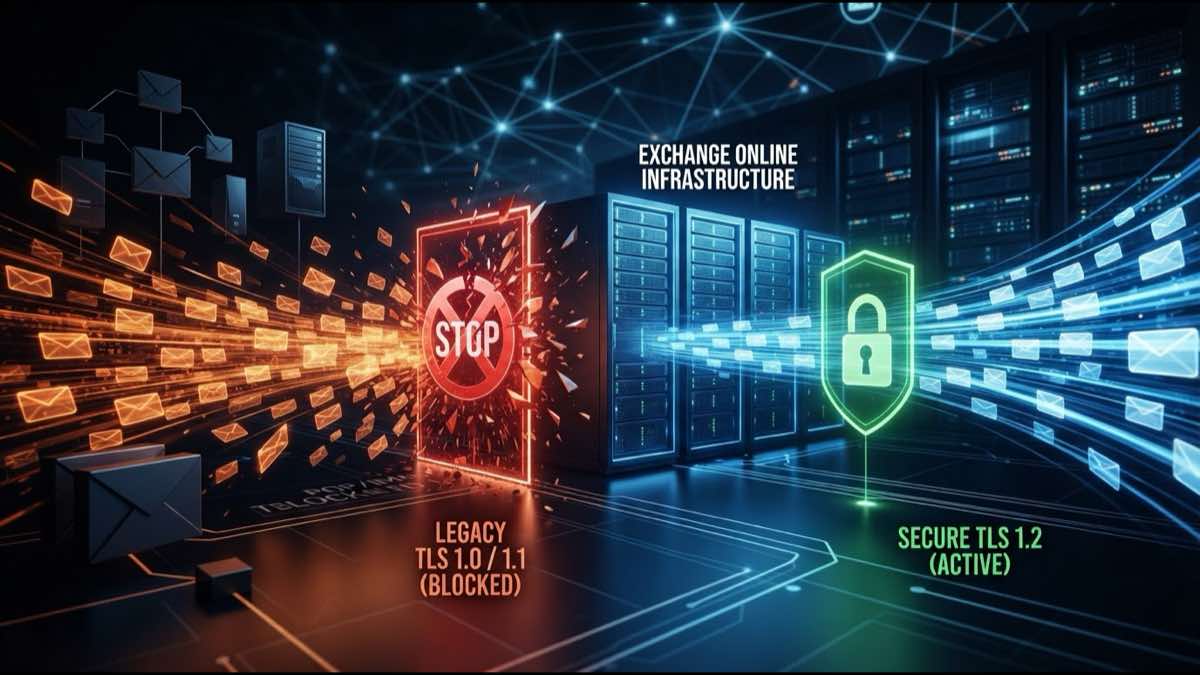
Exchange Online Now Blocks TLS 1.0 and 1.1
Microsoft started blocking TLS 1.0 and 1.1 for POP and IMAP connections to Exchange Online in July 2026. If your email client stopped connecting, here's why.
If your POP or IMAP email client stopped connecting to Exchange Online this week, the reason is probably not a password problem. Microsoft began enforcing its TLS 1.0 and TLS 1.1 deprecation for POP3 and IMAP4 connections in July 2026. Connections that don’t use TLS 1.2 or later now fail outright.
The change itself isn’t a surprise. Microsoft announced the deprecation in late April, giving administrators roughly two months to prepare. The company first started pushing organizations away from legacy TLS back in 2018, alongside Apple, Google, and Mozilla, when all four announced they would retire TLS 1.0 and 1.1 in their products. Microsoft even began blocking legacy TLS in Exchange Online several years ago but left an opt-in endpoint for organizations that weren’t ready. That opt-in is now gone.
Who gets hit
Microsoft says the vast majority of POP and IMAP traffic to Exchange Online already uses TLS 1.2 or higher, and most modern email clients support it natively. The organizations most at risk are those that explicitly opted into the legacy TLS endpoints to keep older software running.
That includes a longer tail than you might expect. POP3 and IMAP4 aren’t just for desktop email clients. They show up in help desk tools, monitoring systems, ticketing platforms, scanners, line-of-business applications, archiving scripts, migration utilities, and older multi-function printers that scan to email. Many of these systems were configured once and never revisited.
The failure mode is quiet. A legacy client that used to connect and pull email simply stops. No certificate error dialog, no helpful message. Just silence. If nobody checks the inbox on that system regularly, the gap could go unnoticed for days.
What TLS 1.0 and 1.1 actually lack
TLS 1.0 dates to 1999. TLS 1.1 arrived in 2006. Both have known vulnerabilities, including susceptibility to the BEAST and POODLE attacks, and both lack support for modern cipher suites and AEAD encryption modes that TLS 1.2 introduced. The U.S. National Security Agency published guidance years ago recommending organizations identify and replace outdated TLS versions to reduce their attack surface.
For email, the concern is practical: a connection negotiating TLS 1.0 between your client and the mail server is easier to eavesdrop on than one using TLS 1.2. When that connection carries authentication credentials and message bodies, the exposure matters.
How to check your setup
If you’re unsure whether you’re affected, a few things to verify:
Start with your POP and IMAP client configuration. Check the server hostname and port. If you’re connecting to the legacy endpoint that Microsoft set up for TLS 1.0/1.1 opt-in, that endpoint no longer works. Switch to the standard outlook.office365.com endpoint with TLS 1.2.
For custom or embedded applications, check with the vendor to confirm TLS 1.2 support. Most programming languages and runtimes updated their default TLS versions years ago, but hardcoded configuration in older scripts may still force TLS 1.0.
On Windows, you can check the system TLS settings in the registry under HKLM\SYSTEM\CurrentControlSet\Control\SecurityProviders\SCHANNEL\Protocols. If TLS 1.2 is explicitly disabled (some older hardening scripts did this), re-enable it.
For Linux-based mail tools, check the OpenSSL version. Anything built against OpenSSL 1.0.1 or later supports TLS 1.2, but the application itself needs to request it rather than defaulting to an older version.
Part of a larger pattern
This deprecation fits inside a broader push across the certificate and TLS landscape in 2026. The CA/Browser Forum’s 200-day certificate validity limit took effect in March. Chrome now requires dedicated TLS-only root hierarchies. Let’s Encrypt stopped issuing certificates with the client authentication EKU. The first wave of 200-day certificates will start expiring in October, and organizations still doing manual renewals are likely to miss some.
The theme across all of these changes is the same: systems configured years ago and left alone are the ones that break first.
Keep your certificates visible
If this deprecation caught you off guard, it’s worth asking what else might be expiring or changing without anyone watching. SSLcalendar.com tracks your certificate expiration dates and sends reminders before a missed renewal turns into downtime. For broader TLS monitoring, SSLboard.com checks protocol versions, chain validation, and vulnerability exposure across your domains.
Sources: Microsoft Tech Community: Deprecating Legacy TLS and Endpoints for POP and IMAP in Exchange Online, BleepingComputer: Microsoft to deprecate legacy TLS in Exchange Online starting July